xBloom
xBloom Studio Review: The Coffee Setup You’ve Been Waiting For
By the Pixel Review crew ·
As an Amazon Associate I earn from qualifying purchases. Prices move fast, so double-check before you buy. The deets.
Outstanding!
- Overall
- 4.5
- Build Quality
- 4.5
- Value for Money
- 4.0
The Tea
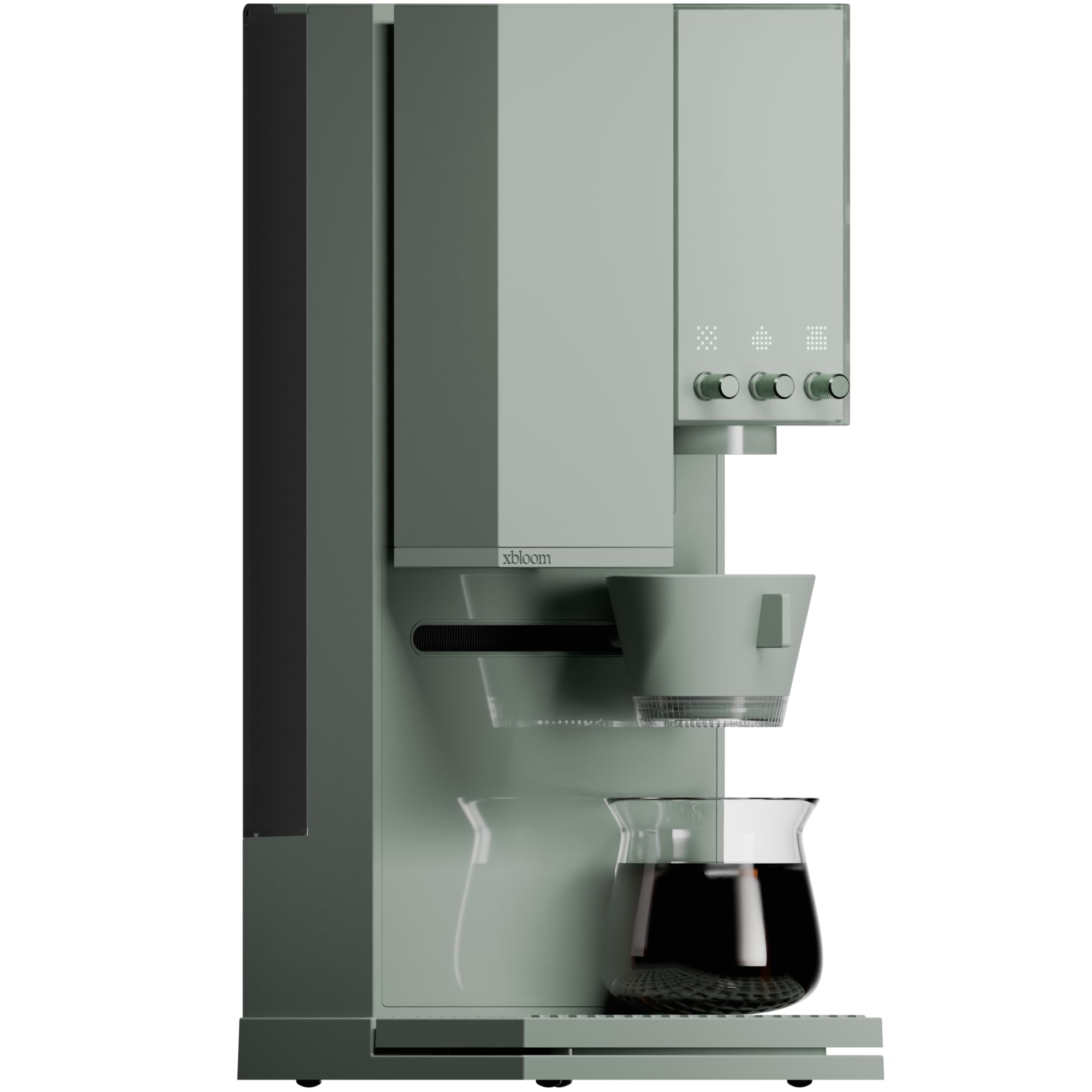
The xBloom Studio is trying to bridge the gap between coffee snob and I need caffeine now. With three distinct modes—Autopilot, Copilot, and Free Solo—you can go from zero-effort brewing to tweaking every single variable like flow rate and water temperature. It is definitely versatile, but make sure you have the counter space for it because this unit leans on the larger side.
The hardware feels thoughtful with those tactile knobs and a clean LED display. It ditches the typical messy touchscreen for a more direct, satisfying interface that actually feels nice to use. If you like the idea of consistent specialty coffee without the constant manual labor, the app connectivity is a solid touch for saving your favorite recipes.
Power-Ups
The standout feature is the versatility of the xPod system paired with that three-level automation setup. You get the convenience of a pod-style brewing method for beans, but you aren't locked into proprietary coffee sources if you want to dial in your own manual brew. The tactile control knobs are also a nice change from the endless menus we usually see on smart appliances.
Why We're Hyped
We are lowkey obsessed with the ability to customize everything via the app and then save it for later. It makes the whole ritual of brewing specialty coffee repeatable without having to be a professional barista every single morning. The Sage Green finish is also a total vibe for kitchen aesthetics.